mirror of
https://github.com/samsonjs/appleuniversal-xctemplates.git
synced 2026-04-27 14:57:42 +00:00
No description
| imgs | ||
| Project Templates/Custom | ||
| copy | ||
| README.md | ||
| symlink | ||

xctemplates
Opinionated templates for Xcode 11.
Installation
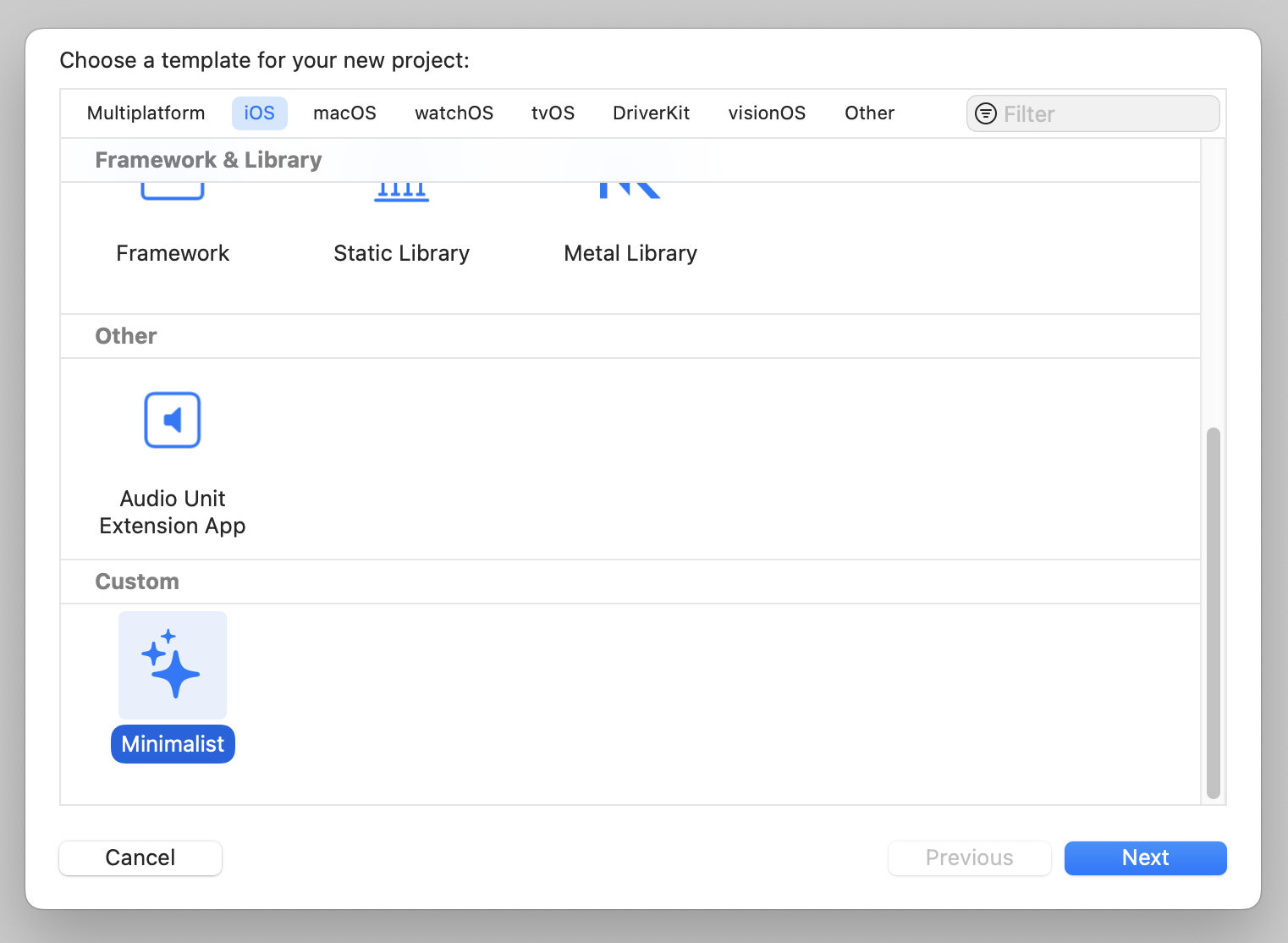
The project templates should be copied into the ~/Library/Developer/Xcode/Templates/Projcet\ Templates folder. You can do this by running the ./copy script. This will recursively copy the folders containing the project templates. Alternatively you can symlink the folders by running the ./symlink script.
Project Templates
Below is a brief description of the templates in this repository.
iOS Base
This is not an actual project template. It contains the base configuration for an iOS project an is inherited by other project templates.
iOS Minimalist
This is a minimalistic template for an iOS project. It configures the app to use scenes without storyboards.
