
1.1 KiB
appleuniversal-xctemplates
Basic Universal (iOS, macOS, visionOS) UIKit-based templates for Xcode 11+. Swift & Objective-C.
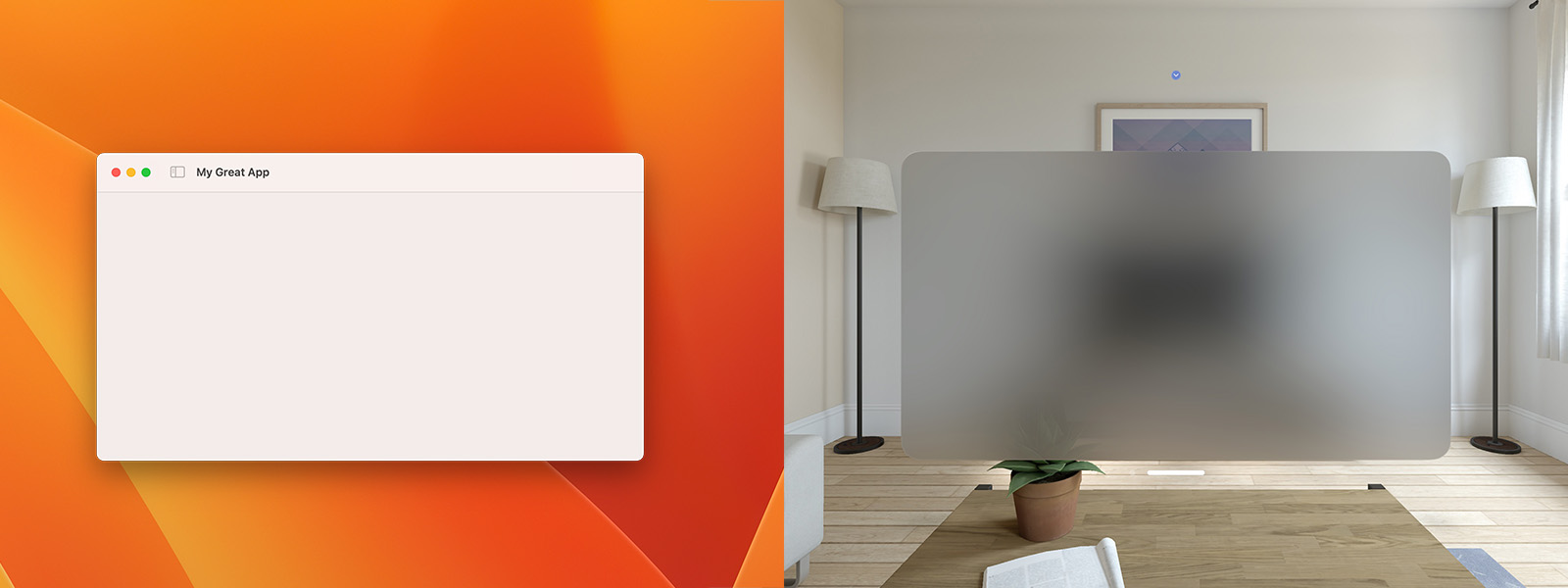
Screenshot
Installation
The project templates should be copied into the ~/Library/Developer/Xcode/Templates/Project\ Templates folder. You can do this by running the ./copy script. This will recursively copy the folders containing the project templates. Alternatively you can symlink the folders by running the ./symlink script.
Project Templates
Below is a brief description of the templates in this repository.
Universal Base
This is not an actual project template. It contains the base configuration for a Universal project and is inherited by other project templates.
Universal App (Basic)
This is a minimalistic template for a Universal project using the Mac Idiom on macOS, and targeting the latest OS. It configures the app to use scenes without storyboards, enables warnings-as-errors for both Swift & Objective-C, and prompts you for a class prefix.